













You’ve put in the work, optimized your pages, and still traffic isn’t growing the way you expected. A lot of the time, the hidden reason is keyword cannibalization. When multiple pages go after the same search intent, they end up competing instead of helping each other, splitting authority, and making it harder for Google or any search engine to decide which page to show.
Now, understanding which overlaps actually matter can change how you approach fixes, and having a tool that lays it out clearly makes that process a lot easier.
This guide walks through the top keyword cannibalization checker tools out there. We’ll show how they detect conflicts, who they’re built for, and which ones make it easier to prioritize fixes that actually improve your site’s performance.
Here’s a quick look at the types of keyword cannibalization tools you’ll see in this guide and what each one is best suited for.
Unclash AI: A GSC-based audit tool that identifies page and keyword conflicts across your site and scores how severe your cannibalization issues are. Best for full-site diagnostics.
TrueRanker: A rank tracking tool that flags cannibalization when multiple pages rank for the same keyword and lets you assign a target URL. Best for ongoing monitoring.
SEO AI: A SERP similarity checker that compares keywords to find overlapping search intent before you create content. Best for keyword planning.
SERP Ninja: A dual-URL comparison tool that analyzes two pages at a time to detect overlapping keywords. Best for quick page checks.
Keylogs: A Search Console insights tool that surfaces cannibalizing keywords and shows which URLs are competing. Best for fast discovery inside GSC data.

Unclash AI by Epic Slope Partners is an AI-powered keyword cannibalization checker built on Google Search Console data. It helps you identify where multiple pages are competing for the same keywords, how severe the conflict is, and which areas of your site need attention first.
It connects directly to your Google Search Console and looks at how many URLs are ranking for the same keyword across your site. You simply select your property, choose a time range, and load your GSC data.
From there, it highlights the keywords that trigger multiple pages, shows every competing URL, and makes it clear where overlap is hurting performance.
Check where your pages are stepping on each other and see which fixes actually make a difference!
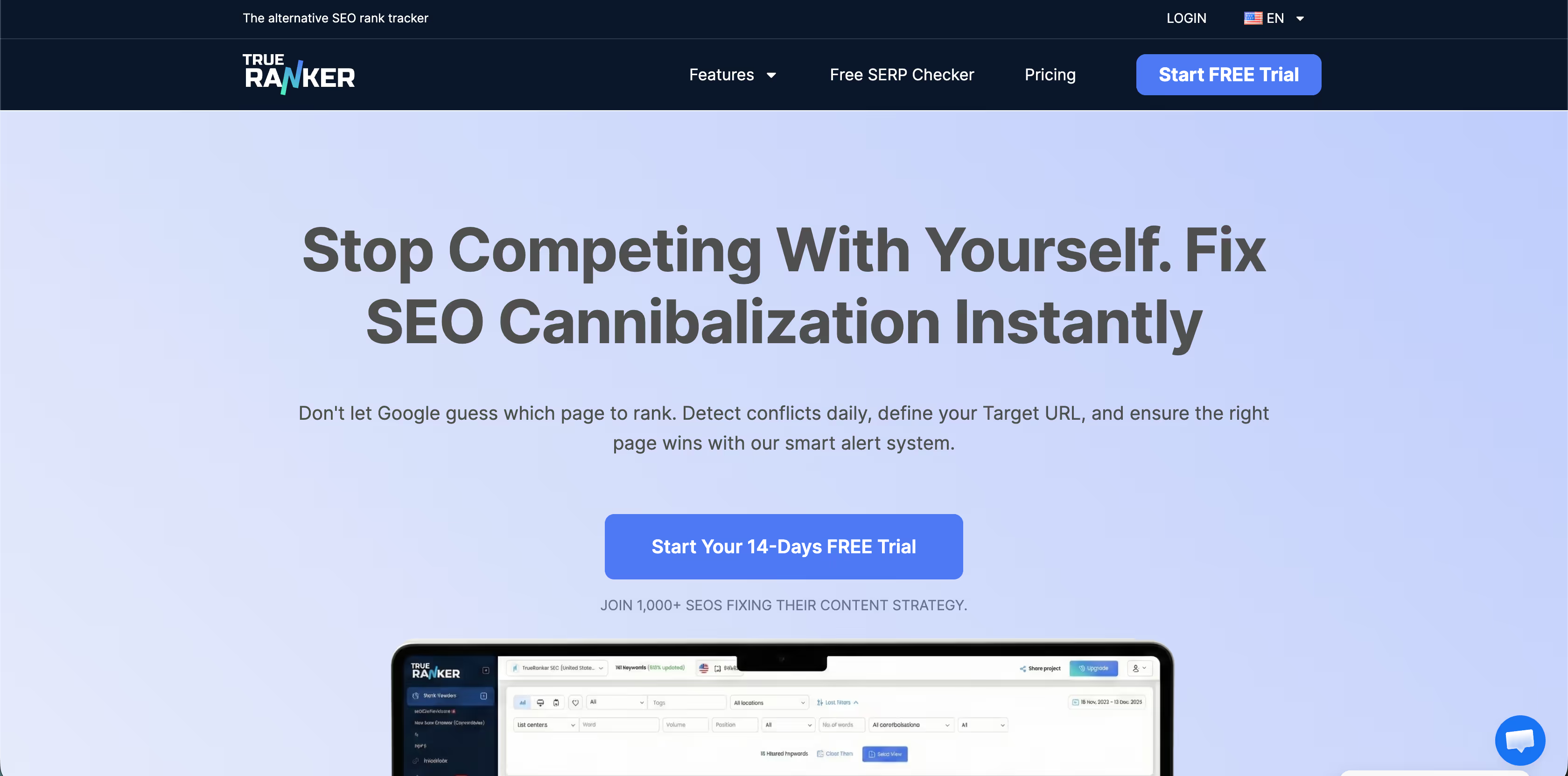
TrueRanker’s cannibalization checker tool tracks your keywords every day and goes a step beyond detection by letting you assign target URLs. It then tells you if that page is actually winning or if another one is stealing your traffic.
It monitors keyword rankings and flags when more than one page is ranking for the same keyword. You can also define a preferred page (target URL) to watch if it is truly the one Google favors.

SEO.ai’s Keyword Cannibalization Checker is a free browser-based tool focused on comparing keywords against SERPs. Instead of looking at your site data, it helps you see which of your keywords are similar enough to conflict based on how they show up in actual search results.
You enter a list of keywords, choose a country, and the tool checks similarities in the search engine results pages. It highlights potential keyword cannibalization and shows you a SERP similarity matrix to identify where there is heavy overlap in search intent and SERP makeup.
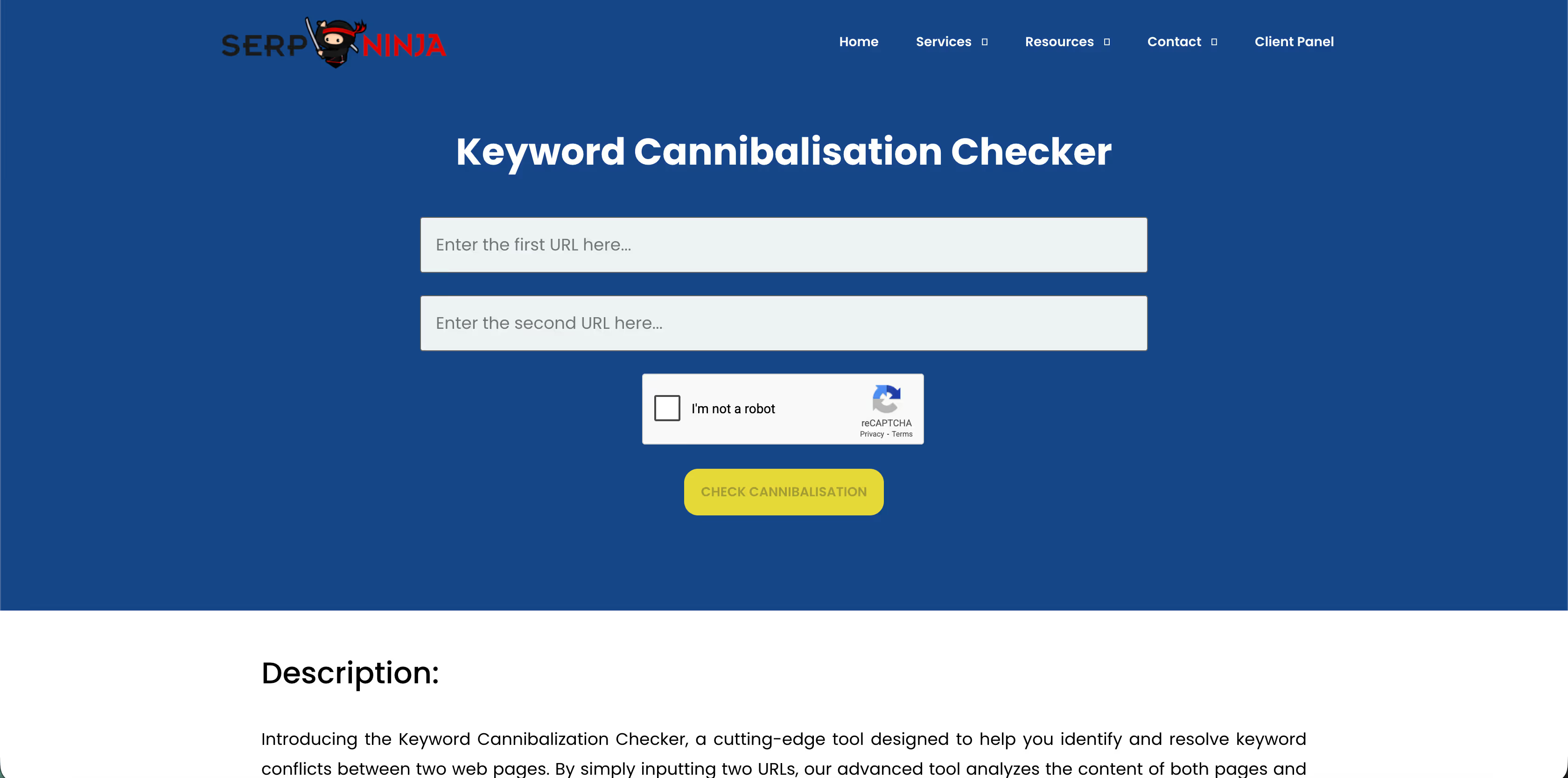
SERP Ninja’s cannibalization detector is a straightforward, free URL-comparison tool. You add in two URLs, and it analyzes the text of both to see where they overlap in keywords. It then shows you where keyword cannibalization may be happening between them.
You enter two web page URLs, and the tool runs an analysis of the content on both. It identifies overlapping keyword usage and flags where the pages could be competing in the SERPs.
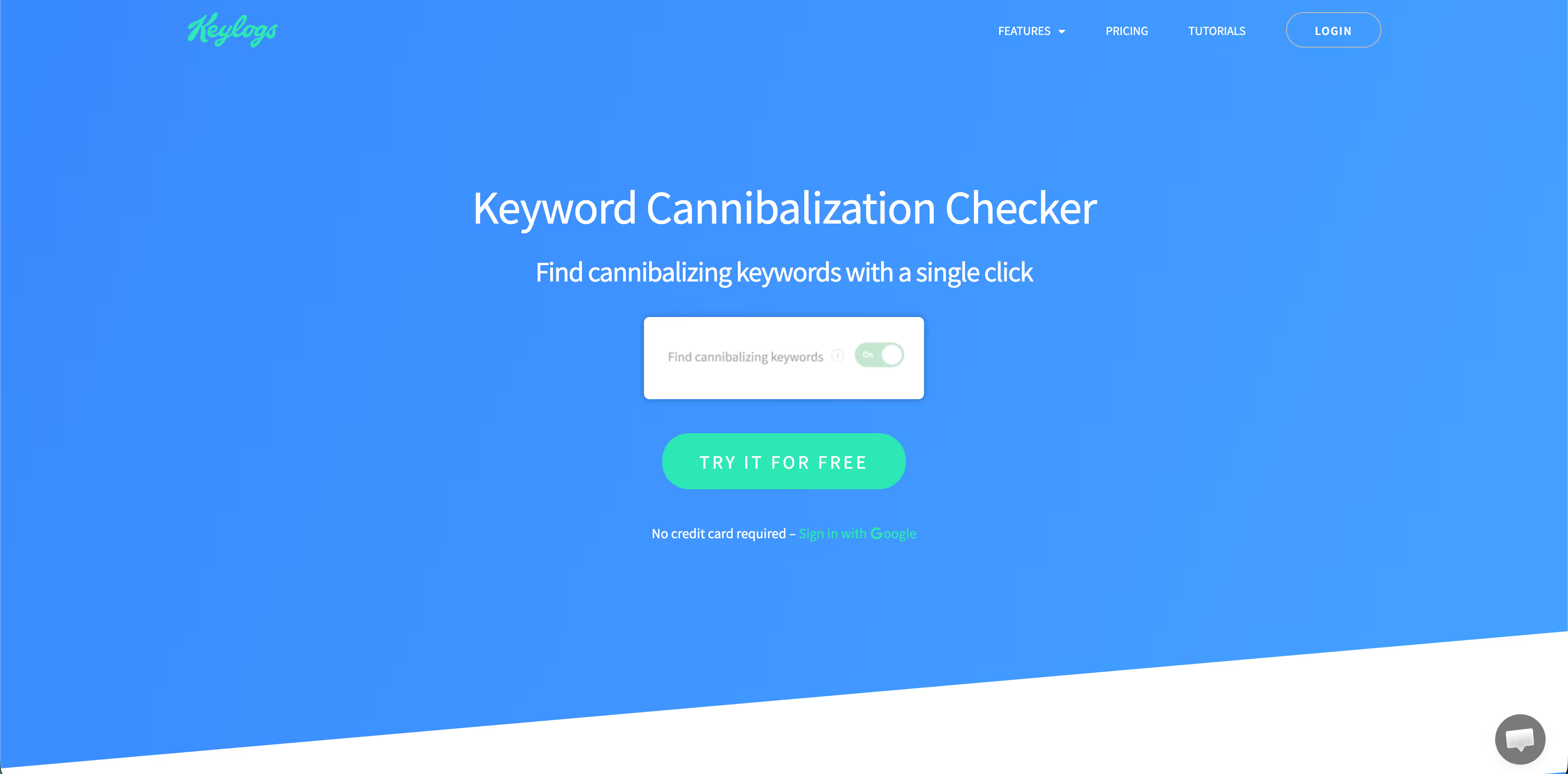
Keylogs’ cannibalization tool is part of a broader SEO insights platform built on Google Search Console data. It helps you find cannibalizing keywords with a click and then analyze competing pages so you can decide what to do next.
A click reveals keywords where your site has multiple pages ranking. You can then analyze those pages within Keylogs to understand which content might be conflicting.
The right tool depends less on features and more on how your team actually works with content and search data.
Most teams fall into a few common patterns. When you recognize yours, the right choice becomes obvious.
Once you see which tools line up with your workflow, the next step is making sure the fit is real. These questions help you sanity-check that decision before you commit.
These are the questions that help you avoid switching tools six months later.
Keyword cannibalization can be tricky because it doesn’t always show itself clearly. Your pages are ranking, traffic is coming in, but the growth just isn’t where it should be. Now, seeing the problem is one thing, and understanding it is another. That’s where choosing the right tool makes a big difference.
From what we’ve seen working with growing sites, the same issues keep popping up. They’re easy to miss, and if you’re not careful, they can quietly eat into the results of all the SEO work you’ve already done.
A few common missteps we see:
A lot of tools will show you where pages are overlapping, and that’s fine if all you need is a quick check. But when your site is growing and multiple pages are competing for the same keywords, a simple list doesn’t give the full picture.
Unclash AI is designed around that kind of clarity. Instead of only flagging overlaps, it helps you see how they are connected, filter out what does not matter, and use a score to understand how serious the issue is.
If you want to look at that view, why not start by running your site through Unclash AI and checking your score?
Think about how you like to see the data. Do you want a clean dashboard, downloadable reports, or a simple score that shows problem areas at a glance? Match the tool to your team and your site’s size. Tools like Unclash AI can give a structured view, making it easy to focus on the overlaps that actually need attention first.
You can, but more isn’t always better. Too many lists can get confusing. Pick one primary tool that gives clarity and actionable insight, then use other tools only for cross-checking or digging into specific metrics. That way, you’re not chasing numbers, but you’re seeing the issues clearly and deciding what matters most.
Start with high-impact, non-branded keywords and pages that compete with each other. Tools such as Unclash AI make it clear which conflicts are serious and which are minor. Focus your efforts where changes will have the most effect, instead of trying to untangle every single overlap at once.
Not automatically. Untangling overlaps helps search engines consolidate authority, but improvements usually take a few weeks. It makes a big difference, but think of it as clearing the path. While the fixes set the foundation, you still have to do content updates, internal linking, and ongoing monitoring to truly observe the results.